General Navigation Tips:
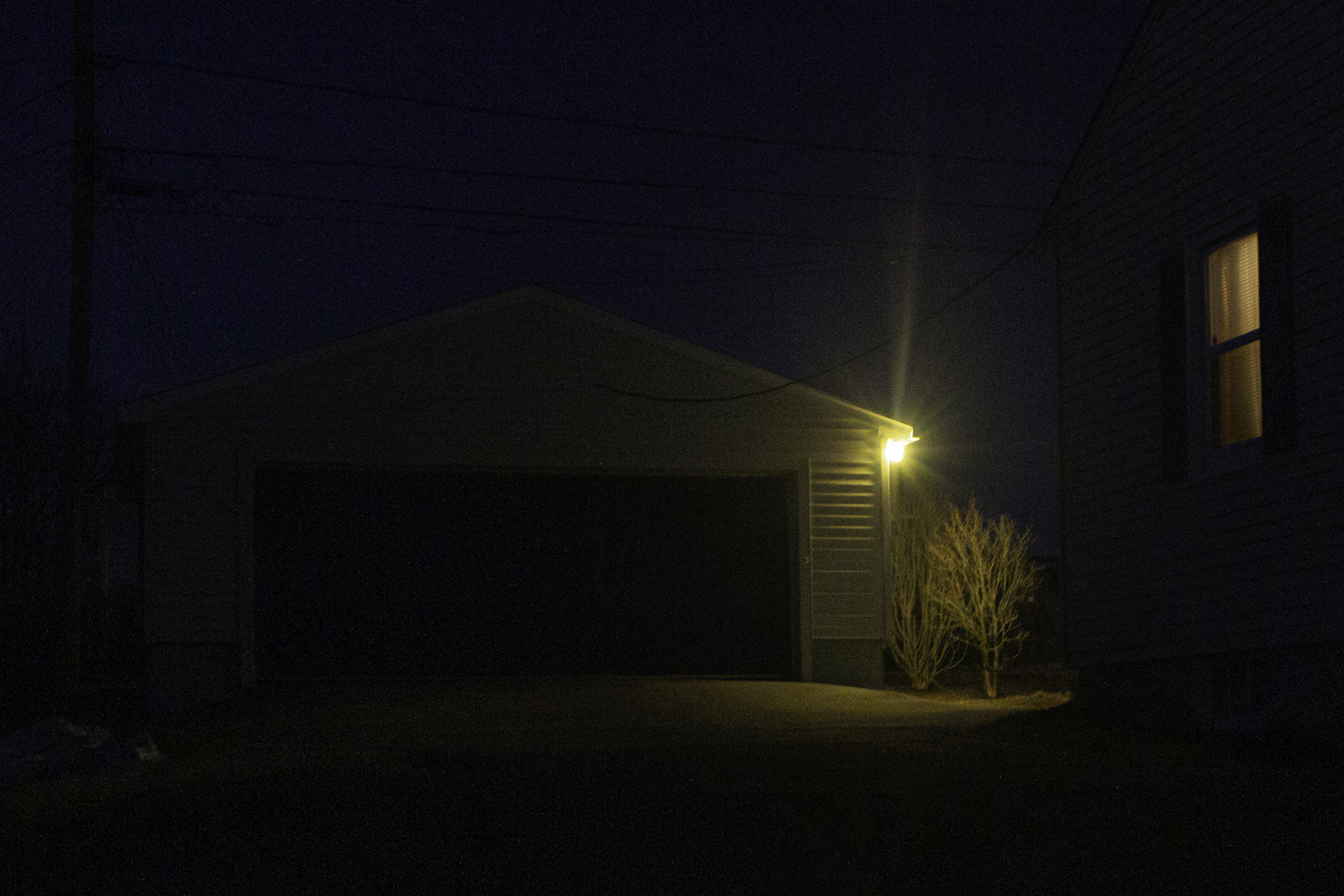
Once you click the window in the photograph on the right side of the homepage, a pop-up browser window should appear. From there, you will find a maze of point-and-click style images with reactive animations. Please do not resize this window as it is designed to fit the initial size it opens at. For each image or "space" as we prefer to call them, you should hear a unique song, see the troubleshooting area below if you encounter issues with sound, you should hear sound on this page as well to allow you to fix this setting prior.
To find where to click to go to the next space, hover your mouse around the image until you see your cursor change to the pointer finger. If you wish, you can continue to hover to potentially discover other places to click. Please do not feel the need to click through every single route or go back in the window as all routes will ultimately show you all content. You will know you have completed the experience when the pop-up window closes and you are met with a different window to return you to our credits page.
Troubleshooting:
Problem:
Sound isn't playing.
Solution:
Step 1) Make sure your speakers or headphones are on and not muted, and properly configured to your device. We recommend using the homepage or this help page to configure and test the sound before entering the window. Once playing, adjust your volume to your preference.
Step 2) Ensure your browser isn't blocking auto play or sound, which is very common, especially with Chrome. For information on how to unblock this functionality find your specific browser below and follow the associated instructions.
Step 3) [Click Here] to activate sound for this page if it isn't already playing.
Chrome:
- 1) Click on the lock icon to the left of the URL, a small window should appear.
- 2) Click "Site Settings" which will open another tab with settings for our site.
- 3) Find the "Sound" permission and change the setting to "Allow".
- 4) Navigate back to the climbingthroughawindow tab and refresh the page (f5 on keyboard).
- 5) You should now hear sound!
For extra help with Chrome [Click Here] and see "Change settings for a specific site".
Firefox:
- 1) Click on the 2 lines with circles and the crossed out play button directly to the left of the URL and to the right of the lock icon, a small window should appear.
- 2) Next to Autoplay set the drop down menu to "Allow Audio and Video".
- 3) Refresh the page (f5 on keyboard).
- 4) You should now hear sound!
For extra help with Firefox [Click Here] and see "Site settings".
Opera:
- 1) Click on the lock icon the left of the URL, a small window should appear.
- 2) Click "Site Settings" which will open another tab with settings for our site.
- 3) Find the "Sound" permission and change the setting to "Allow".
- 4) Navigate back to the climbingthroughawindow tab and refresh the page (f5 on keyboard).
- 5) You should now hear sound!
For extra help with Opera [Click Here] and scroll to "Change Site Settings in Opera Computer".
Microsoft Edge:
- 1) Click on the lock icon the left of the URL, a small window should appear.
- 2) Click "Media autoplay settings" towards the bottom of this new window.
- 3) Set the Media autoplay dropdown menu to "Allow".
- 4) Refresh the page (f5 on keyboard).
- 5) You should now hear sound!.
For extra help with Microsoft Edge [Click Here] and see "Option 3".
Problem:
Page takes forever or too long to load / I still can't figure out how to get sound to work.
Solution:
In this case we would recommend you visit the simplified mobile website. Please note that images will be at a smaller resolution to reduce loading times and that the mobile page does not have all the special features of the desktop version. You will however still be able to enjoy the spaces and music there.
To enter the mobile version of the window [Click Here]
Problem:
I have another problem.
Solution:
Email us at climbingthroughawindow@gmail.com and we'll try our best to help!